

Step 1
Open your profile
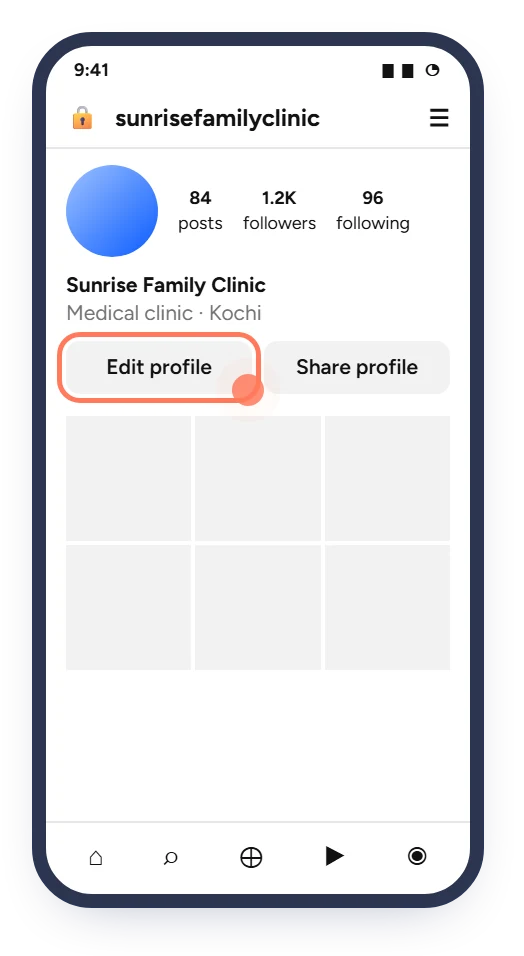
Tap your profile picture at the bottom right, then tap Edit profile.
The bio link is the only clickable link on your Instagram profile. Patients who see a post or reel can tap it and book an appointment straight away.
You need: the Instagram app and your booking link · Time: about 2 minutes
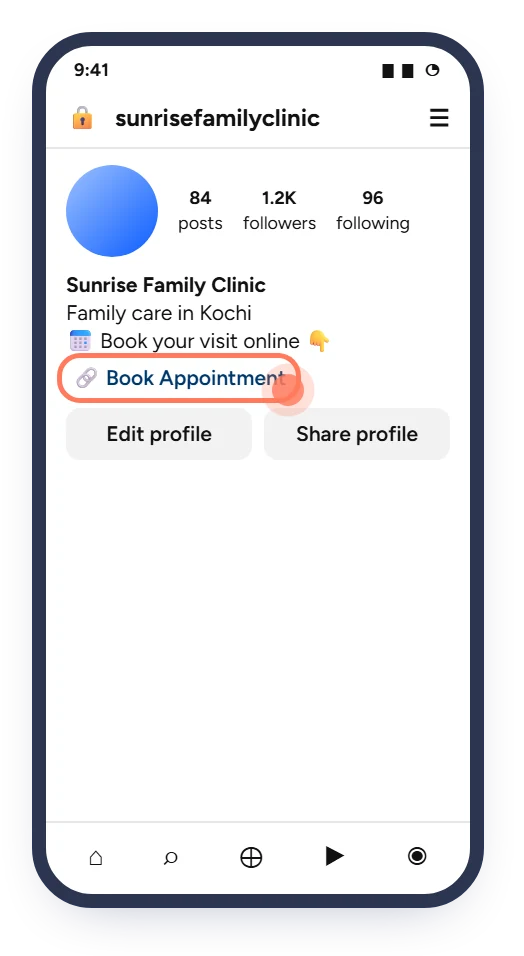
The screens below are simplified illustrations. Button names and positions can change slightly between app versions. The ringed spot on each screen is what you tap.
Tap your profile picture at the bottom right, then tap Edit profile.
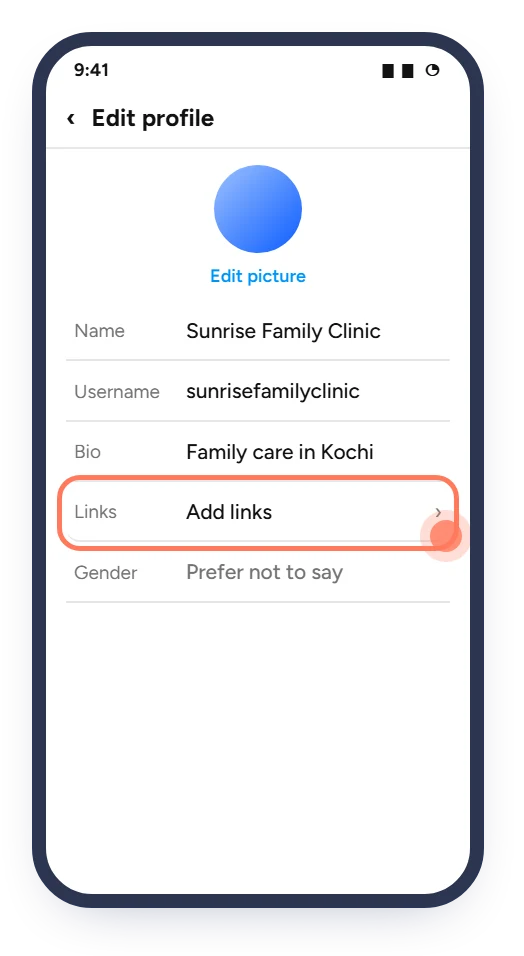
In Edit profile, tap the Links row (it may say "Add links").
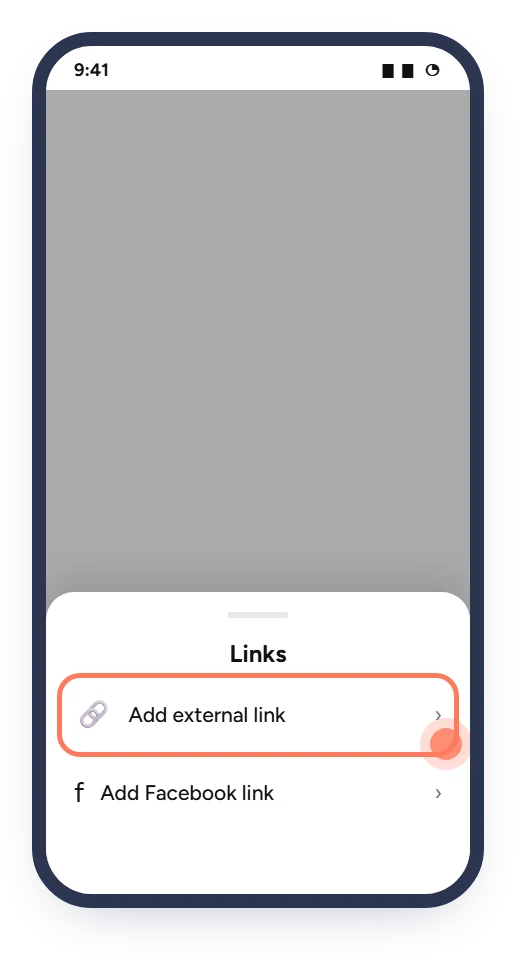
Choose Add external link from the list that slides up.
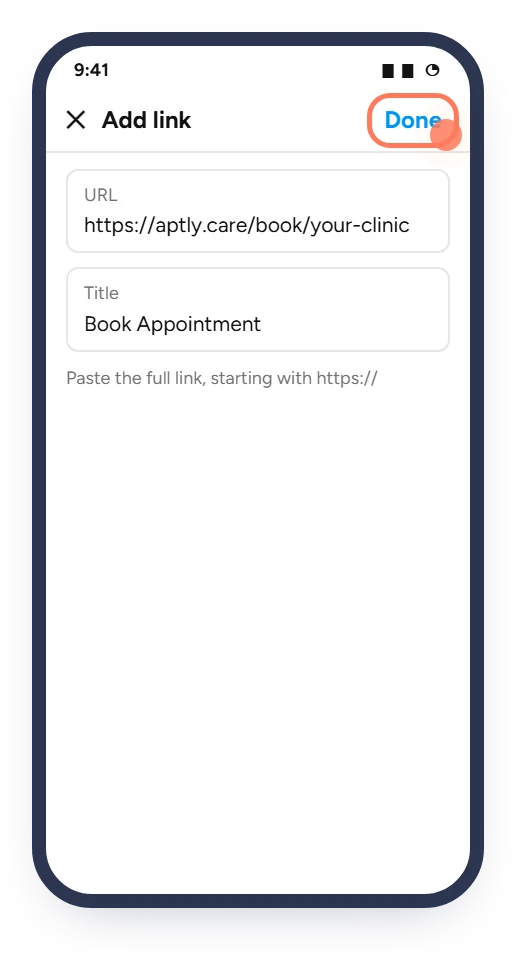
Paste your booking link in URL. Type Book Appointment as the title. Tap Done.
The link now shows under your bio. Tap it once yourself to make sure the booking page opens.
Make the Website button on Google Search and Maps open your booking page.
Read the guide 3 minPut the link in your WhatsApp Business profile, chats and Status, and on Facebook and more.
Read the guide 10 minPrint your booking QR code so patients can book their next visit from the waiting area.
Read the guideHealthcare, Connected.
Ask Aptly Care support and we will help you get set up.